
• Skip to main content
  • Skip to header right navigation
  • Skip to site footer
Gameranx

Gameranx

Video Game News, Lists & Guides

  • News
  • Features
  • Platforms
    • Xbox Series X
    • PS5
    • Nintendo
  • Videos
  • Upcoming Games
  • Guides

Vampire the Masquerade: Bloodhunt – Can You Change Text Size?

April 28, 2022 by Peter Hunt Szpytek

I think I might need a magnifying glass.

Vampire: The Masquerade – Bloodhunt system requirements | PCGamesN

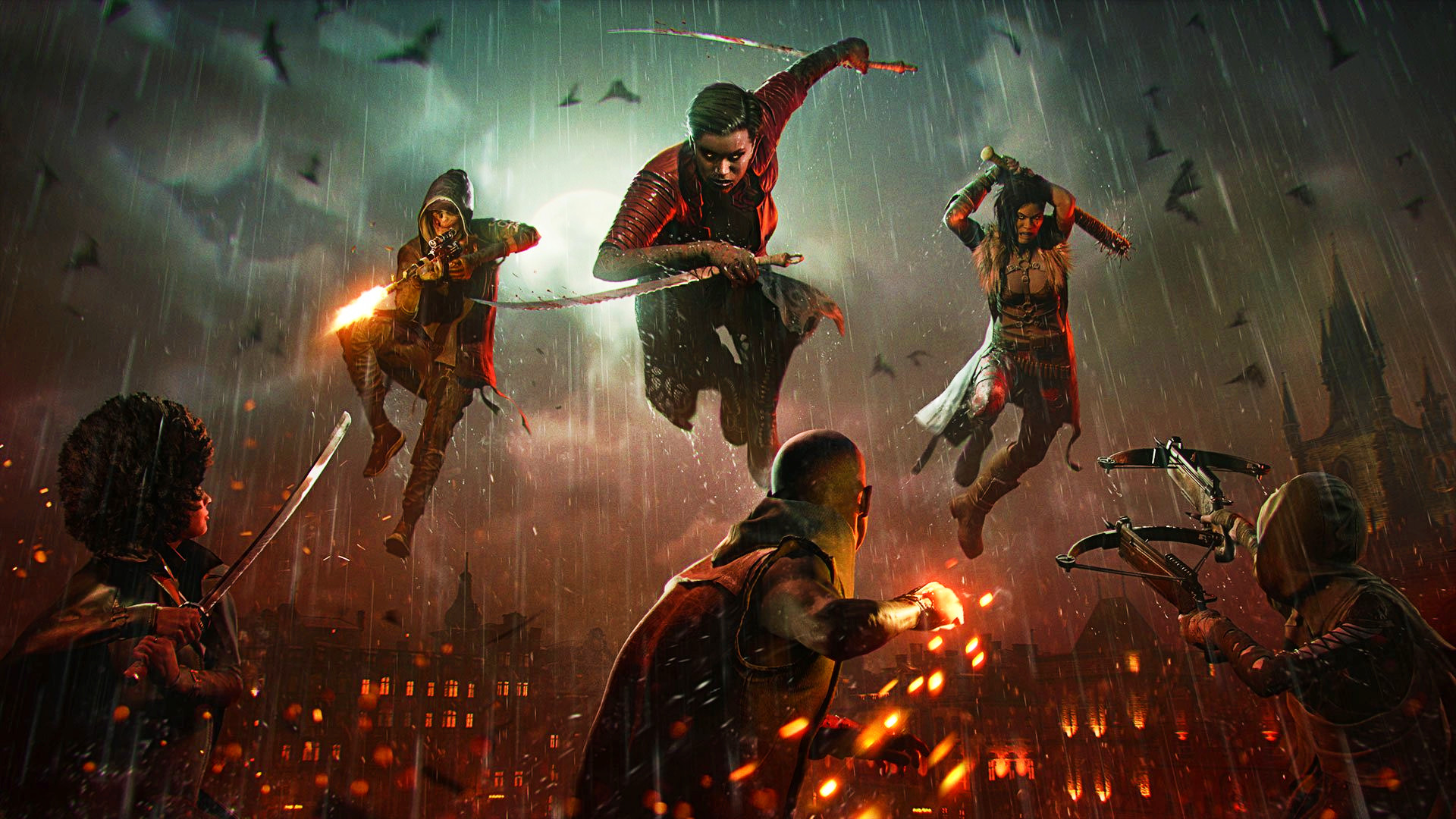
Now that it’s finally out, many people are diving headfirst into Vampire the Masquerade: Bloodhunt, the latest free-to-play battle royale shooter on the PS5. As many have noticed after playing a few rounds, it’s a fun shooter with some new twists to it that make it stand out from the sea of other free-to-play battle royales topping the charts.

When loading into the game for the first time, some players might be put off by the sheer number of menus they have access to. If playing on a TV, you might have to squint to read most of the text on the screen given just how small it is. If you’re like me, you immediately began searching for the game settings to try and increase the text size.

Can You Increase Text Size in Vampire the Masquerade: Bloodhunt?
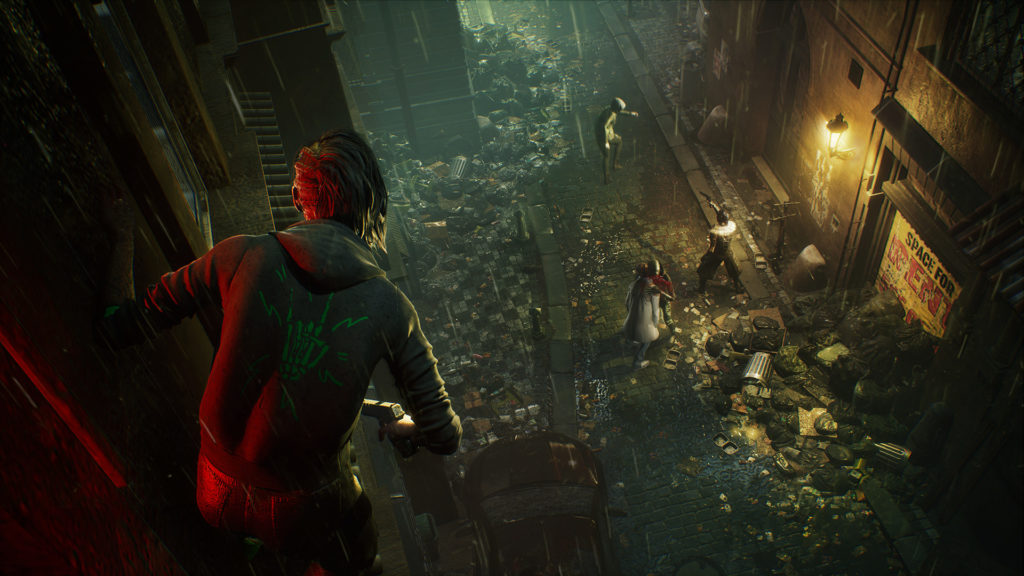
Unfortunately, there is no text size option in Vampire the Masquerade: Bloodhunt. In fact, there are very few accessibility options, in general, to help players tailor the experience to their liking. The game isn’t completely devoid of them, for example, you can set aiming down sights to a toggle instead of a held button, but there isn’t much else.

Given how minuscule the on-screen text is, hopefully, developer Sharkmob is able to add-in text size options as well as other accessibility settings. For now, unfortunately, Vampire the Masquerade: Bloodhunt players will either have to make do with the small text size or move on to something else in hopes that, eventually, better text options will be brought to the game.

Based on the season model that Vampire the Masquerade: Bloodlines is taking, it seems as if it’s going to be receiving support for quite some time following its launch, so the possibility that better options will be coming soon isn’t totally out of the question.

Generally, the text size isn’t too bad if you’re playing on PC with a monitor close to your face, but on a TV, it’s far too small.

Share this post:

FacebookTwitterLinkedInPinterest

Recent Videos

How Capcom Did The IMPOSSIBLE

How Capcom Did The IMPOSSIBLE

20 Games Where You REGRET Doing The RIGHT THING

20 Games Where You REGRET Doing The RIGHT THING

Why a SUPERMAN Video Game Is So Hard To Make

Why a SUPERMAN Video Game Is So Hard To Make

20 Games That Are WAY Better on Higher Difficulty

20 Games That Are WAY Better on Higher Difficulty

GTA 6: 10 Features IT SHOULD STEAL

GTA 6: 10 Features IT SHOULD STEAL

Windrose - Before You Buy

Windrose - Before You Buy

10 BRAND NEW GAMES, STARFIELD PS5 BACKLASH & MORE

10 BRAND NEW GAMES, STARFIELD PS5 BACKLASH & MORE

10 Secret Game Endings That BLEW OUR MIND

10 Secret Game Endings That BLEW OUR MIND

Mouse: P.I. For Hire - Before You Buy

Mouse: P.I. For Hire - Before You Buy

Category: FeaturesTag: Guides, PC, PS5, vampire the masquerade: bloodhunt

Sidebar

Recent Posts

  • Epic CEO Tim Sweeney Claims Xbox Is Trying To Bring Xbox Mobile To Google, After Asha Sharma Confirms It Isn’t Dead Yet
  • Callina Liang Reveals She Really Grew Her Thighs To Become The Street Fighter Movie’s Chun Li
  • IO Interactive Explains How 007 First Light Builds On Hitman’s Gameplay Systems
  • Did Spanish Streamer El Xokas Really Try To Pass Off A Fake GTA 6 Screenshot As Real?
  • Nintendo Being Sued For Tariff Refunds – Before The Refunds Have Been Issued

Copyright © 2026 · Gameranx · All Rights Reserved · Powered by Mai Theme
