
The Dynasty Warriors franchise has been around for what seems like ages with the latest installment in the series being Dynasty Warriors 9. Sparked into existence back in 1997, the overall series has received countless spin-offs along with installments to the main series over the years. Recently, the latest main installment of the long-beloved hack and slash series, Dynasty Warriors 9, has launched for the PC, PlayStation 4 and Xbox One platforms.
While the series as a whole has received some tweaking and slight innovations, this latest release may have one of the biggest innovations from developers Omega Force since changing the game up from the standard fighting title when Dynasty Warriors first launched. Dynasty Warriors 9 claim to fame is its open-world environment, a drastic change up in comparison to the previous title releases.



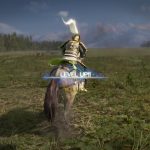
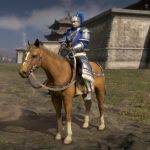

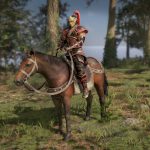
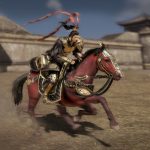
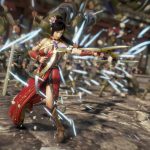
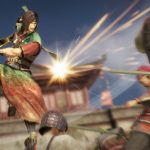
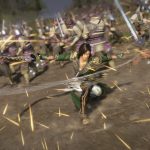


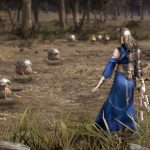
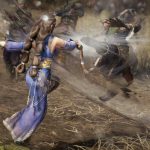
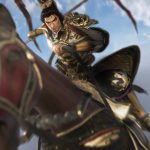



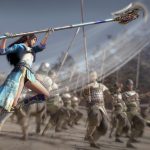
How To Access Free Mode
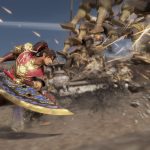
Dynasty Warriors 9 has a massive open world to freely roam and fight within. This is great for players who wish to just jump into the game without having to go through full campaigns each time they unlock brand new characters.
As you progress through the game, new characters will be unlocked to go through a campaign with, but that doesn’t mean you have to replay a full campaign every time you wish to jump back into the action. Luckily, there’s the ability to go through chapters under a Free Mode.
There are some restrictions in which players can enter Free Mode and its mainly completing a certain chapter or two within the campaign.
After you have completed a chapter it will become available to enjoy within the Free Mode. Likewise, to get a certain character to play as or practice with, you’ll need to go through the game as new characters will be unlocked simply by completing chapters.
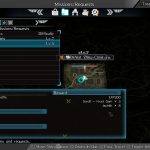
When you’re ready to jump into the game under Free Mode you’ll need to enter the main menu. From there, you’ll be able to select a chapter to start off with along with a character selection.
Source: [1]







