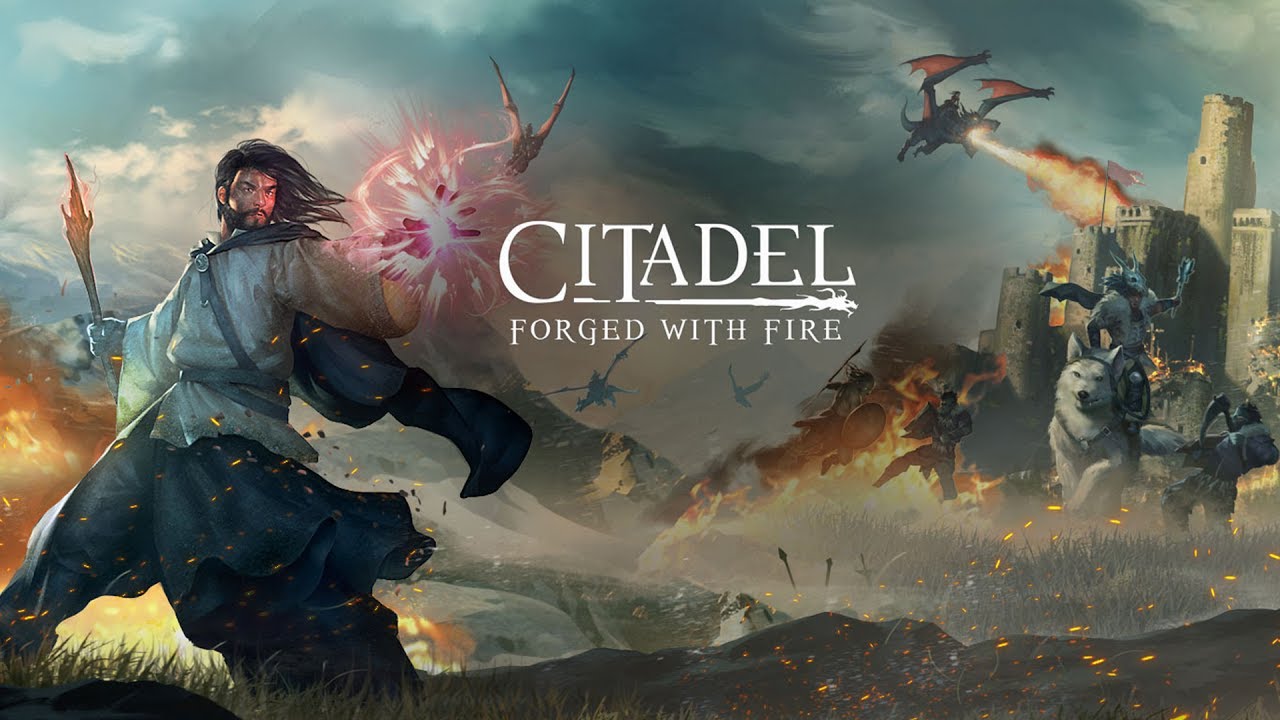
Citadel: Forged With Fire recently just launched on Steam as an early access title. This is a sandbox RPG title as players fight each other, form alliances, explore territories, build bases, tame beasts, and more.
There are a number of reasons why developers will cap the frames-per-second in their video game titles. For instance, it could be because of screen tearing after frames being to exceed the refresh rate, physics calculation, to even engine limitations.
Regardless, gamers have managed to find ways to go around these caps and unlock the game title to enjoy with as much frames-per-second as their PC can run. This is the case for the early access title Citadel: Forged With Fire.
Check out how to quickly adjust the settings and files to allow your PC the ability to run the title without being dealt with the dreaded FPS cap.
Now, this will be done with the files of the Citadel: Forged With Fire and not something you’ll be able to do in-game. With that said, the process is still simple and nothing too technical when going through it on your own.
Find More Citadel: Forged With Fire Guides From Gameranx:
- Citadel Forged With Fire: All Enemy Drops | Items Guide
- Citadel Forged With Fire: How To Level Quickly | XP Guide
As it stands right now, the Citadel: Forged With Fire is locked at running 62 frames-per-second. By going through these couple steps you will unlock the game allowing it to be played beyond the limited 62 FPS.
Step 1
For the first step, you will need to enter the App Data of the Citadel: Forged With Fire. You will find in likely in the following location.
- C:\Users\*Your User Name*\AppData\Local\Citadel\Saved\Config\WindowsNoEditor
If you need a quick jump to the Local AppData then you can use the Windows key along with tapping the R input to bring up Run. From there input the following.
- %localappdata%
Step 2
Once you have successfully reached the stated area you will need to open GameUserSettings.ini as a text document.
Step 3
Find the FrameRateLimit section and change it to 300.
Step 4
Save and close the document.
Once you have completed all four of those steps you will have successfully unlocked the Citadel: Forged With Fire video game.