
For all those with Nintendo Accounts, you can now claim a unique Nintendo Switch User ID before launch. There’s going to be a deluge of new users grabbing every name imaginable from now until the end of time, so it’s probably a good idea to grab one of these Switch IDs as early as possible. The earlier the better, right? Especially if you’re looking for a specific name.
To claim a Nintendo Switch ID, just follow these steps:
- Login (or register) your Nintendo Account here.
- You can use your Nintendo Network ID to sign-in.
- Go to your Nintendo Account Settings
- Find the Nintendo Switch ID field — by default, it reads “Not Set”
- After entering a Nintendo Switch ID, you’ll be prompted to create a password.
So, what are Nintendo Switch IDs for? We don’t actually know yet. They might be the successor to the Wii U’s Nintendo Network ID, or it could be a way to link your Virtual Console purchases to the Nintendo Switch console.
Learn even more about Nintendo’s next console with our massive Switch breakdown, offering up tons of details including the price, network features, launch games and more.
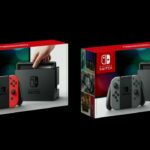
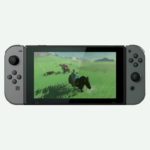
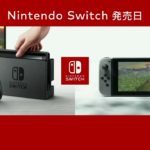
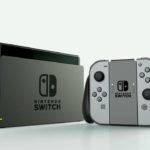
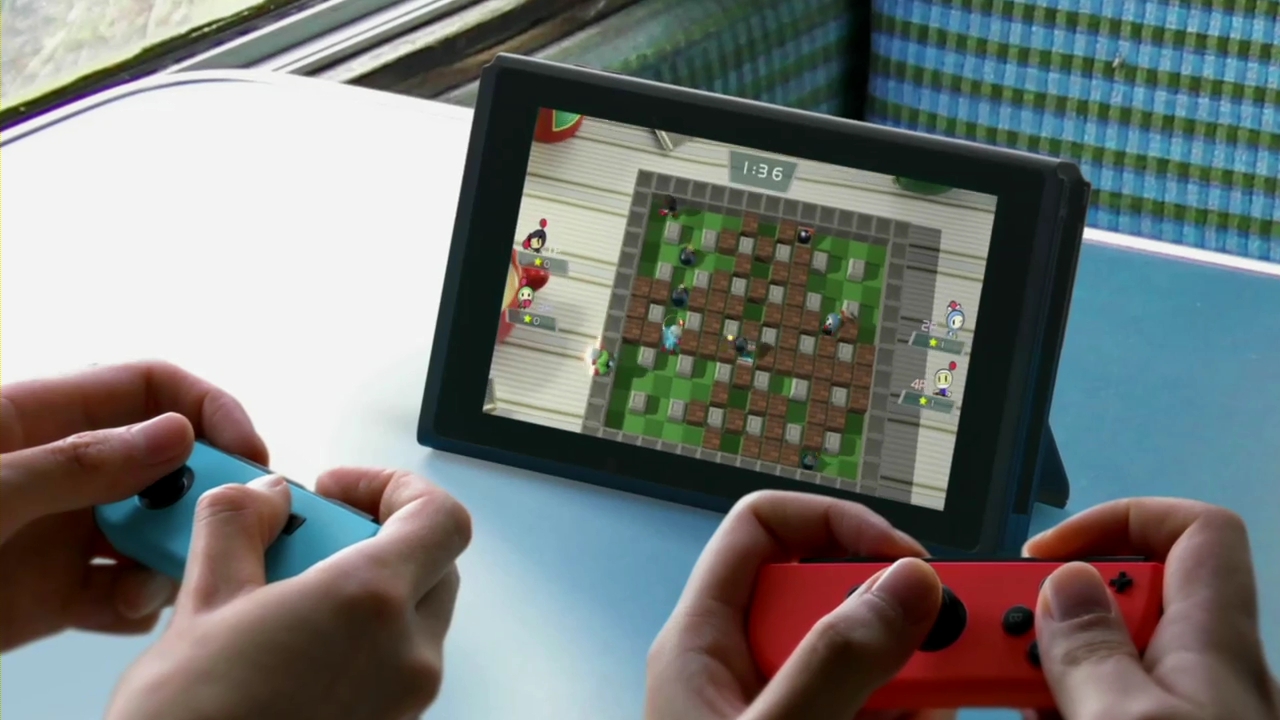
The Nintendo Switch is a hybrid console / handheld, giving you the power to play games on the go or in your home. Versatility is what the Switch is all about, but you’ll need the Nintendo Account more than ever. While the Nintendo Switch isn’t an online-only system, there is a greater focus on downloading and playing games in your library — you can even upgrade the storage capacity, although we don’t fully know all the details there.
Instead of discs, games come in Nintendo 3DS-style cartridges that are plugged into the slot in the upper-right corner of the Switch console. All first-party games will be available for download at the same time, and many allow you to dive into multiplayer arenas — two early games on the Switch are dedicated to player-vs-player action. Those games are Arms, a new spin on the fighting genre, and Splatoon 2. Look, we’re kind of excited for both.
Source: [1]





