I’ve been using sound cards ever since my introduction to the Sound Blaster 16 way back in ’93. I couldn’t ever imagine gaming on a system without one. Even with onboard soundcards becoming the de facto standard for today’s PC setups, I’ve always considered sound cards to be a must-have addition to any gaming rig, as they offer a variety of advantages over integrated systems.
The biggest advantage is the dedicated sound processor, which reduces the workload for the CPU. Dedicated sound cards offer reduced latency as well as higher quality audio output free from hiss and static. It might not matter too much to anyone who isn’t an audiophile, but I happen to be one, so here we are.
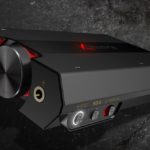
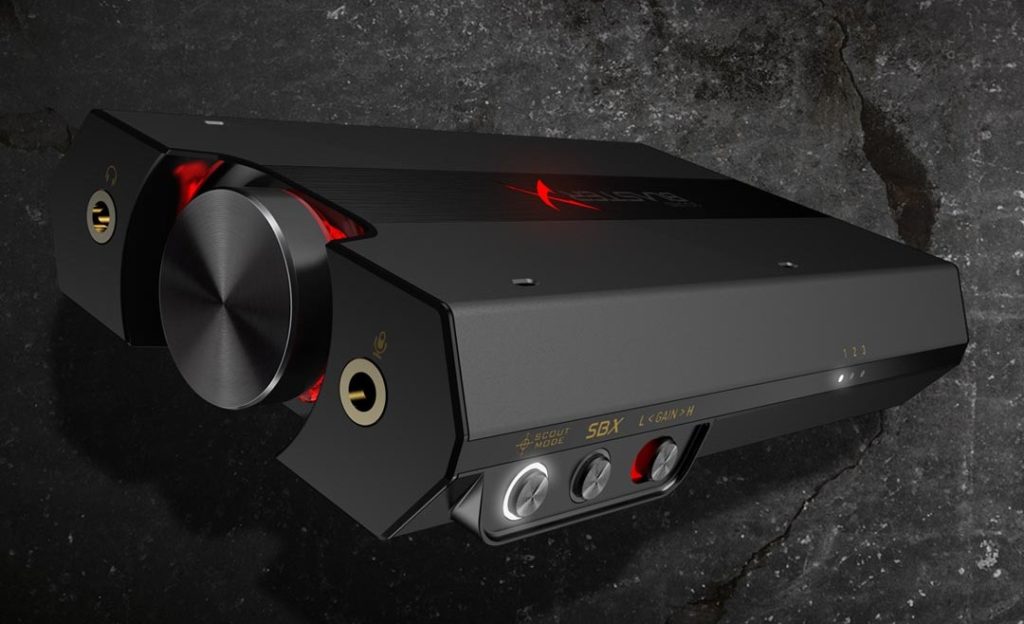
Creative has been a dominant presence in the PC audio scene for decades, and their Sound BlasterX G5 is their latest entry. Unlike most of their previous systems, it’s an external sound card that hooks up to your system via USB. It works with PCs and Macs via USB, and both Xbox One and PlayStation 4 through optical-in. The G5 unit features two 3.5mm front-facing inputs, one for audio and another for microphone. Interestingly, the audio port supports analog headsets without requiring a splitter, so you won’t need to set up a mess of cables on your desktop to get it to work with any headset with a built-in microphone. Finally, the volume knob is backlit in red and the side buttons have white LEDs so you won’t struggle with the buttons in the dark.
The G5 allows you to swap between three audio profiles that you can configure through the BlasterX Acoustic Engine app, and allows you to select between low (32-150 Ohms) and high (150-600 Ohms) gain outputs so it’ll drive both regular headphones and demanding Sennheiser headphones like the HD650 without blowing out your eardrums. For the purpose of seeing what the G5 was capable of, I used the following headphones: Audio-Technica W1000X, Master & Dynamic MW60, Creative Sound BlasterX H7, and Bowers & Wilkins P7.
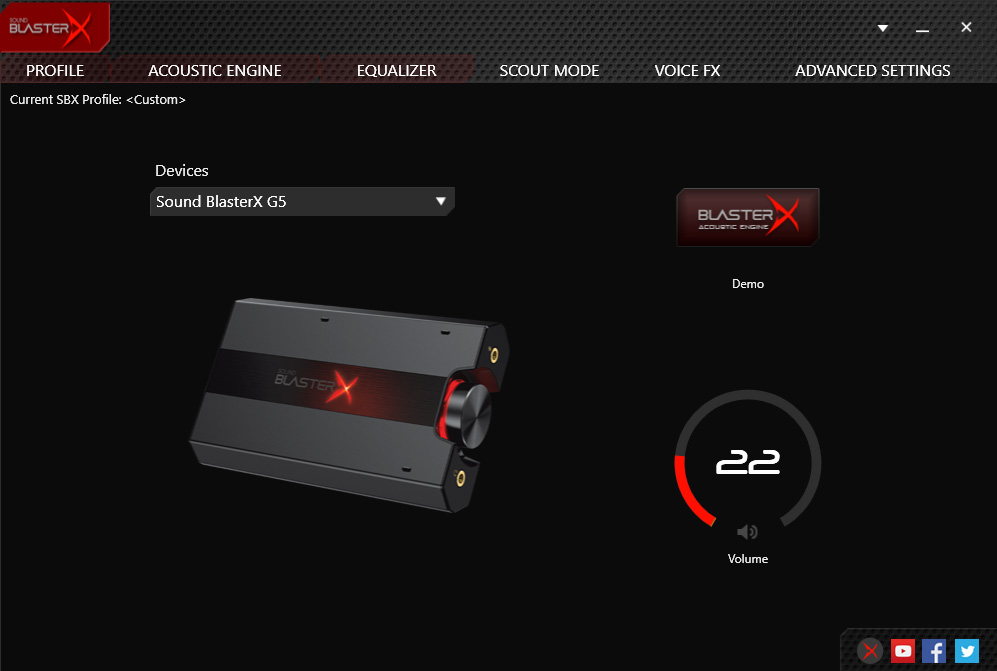
The only hurdle you’ll have to deal with when setting up the G5 is making sure to download the correct set of drivers for it. Grab the BlasterX Acoustic Engine Pro Software Pack, and not the “Lite” variety. You will need to install the software if intend to use the G5 as it was intended—or you’re going to miss out on a lot of its features.
Once that’s set up, it’s smooth sailing from there as you can enable or disable a variety of functions to enhance your listening experience. Personally, I enabled Surround, Crystalizer and Bass, which sound a lot better than other sound cards I’ve used in the past. Having these options on didn’t distort any of the music I listened to. There are also options for Smart Volume and Dialog Plus, the latter of which is something worth turning on if you’re having trouble making out what Rusty Cole is saying in any episode of True Detective.
Designed primarily for gaming, the G5 can convert any audio into a virtual 5.1 or 7.1-channel signal, which sounds good on a stereo headset even if it isn’t 7.1-capable. You won’t notice any difference whatsoever if you hook a pair of desktop speakers to the G5, but that’s not what it’s designed for. If you intend to get a full 7.1 experience, you will need headphones. However, as with any 7.1 set-up, you’ll only get the intended experience in immersive 3D games like Battlefield 4, Fallout 4 and Overwatch—don’t expect the 7.1 surround to sound particularly accurate in games like Dota 2. Fortunately, you can quickly swap between profiles so you won’t have to re-enter the app once you set things up for your favorite games. Additionally, there’s a quick button for Scout Mode, which amplifies soft sounds like footsteps. It’s useful for games like CSGO.
Priced at around $150, the Sound BlasterX G5 is an affordable sound card that offers all the bells and whistles any gamer could ask for. The G5 can be purchased directly from Creative’s website or through most online electronics retailers.
Disclosure: Creative provided a unit for the purpose of this review.