
Table of Contents[Hide][Show]
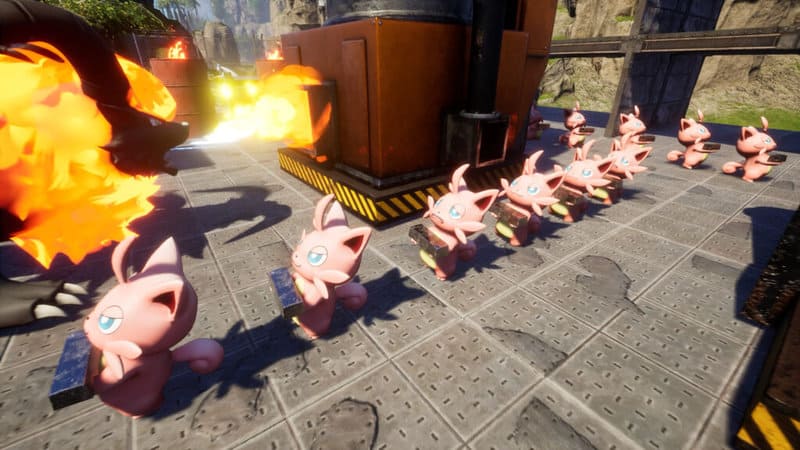
Everything can be automated in Palworld. Assign Pals to jobs and skip all the busy work. Your captured critters can build for you and complete various jobs around your base — they can collect resources, craft at workbenches, or just clear out areas full of enemies. Pals naturally will just do whatever, so if you want your Pals to focus on a single job, you’ll need to use this very simple trick.
Pals can also be made more powerful through the Condenser. This rare item combines multiple Pals of the same type, combining them and making them stronger — and not only does it make them stronger, it also makes them more efficient at all work activities. They’ll complete crafting jobs faster, mine resources faster, and move junk to your containers faster. Condensing can be an incredibly useful tool for making an efficient base, and we’re going to explain it all below.
How To Assign Pals To Work
You can deploy Pals by throwing them in Palworld — but they’re not very helpful when they’re wandering around. If you want Pals to focus on a specific type of job, you’ll need to throw them at what you want them to do.
- To assign Pals, throw them at workbenches, resource nodes, or other activities. Pick up your Pal (F on PC) and toss them at a workstation.
- This is slightly buggy. You may need to throw them two or three times before your Pal actually focuses on the job you want.
If you can’t pick up your Pal or it isn’t “sticking” to the job you’ve assigned it, return the Pal to the box and take it back out again. This should reset the Pal and fix its issues.
By picking up and throwing Pals at resource nodes, workbenches and other activities they’ll keep busy and continue to work instead of just doing nothing, walking in circles, or attacking whatever comes near your base.
Making Pals More Efficient
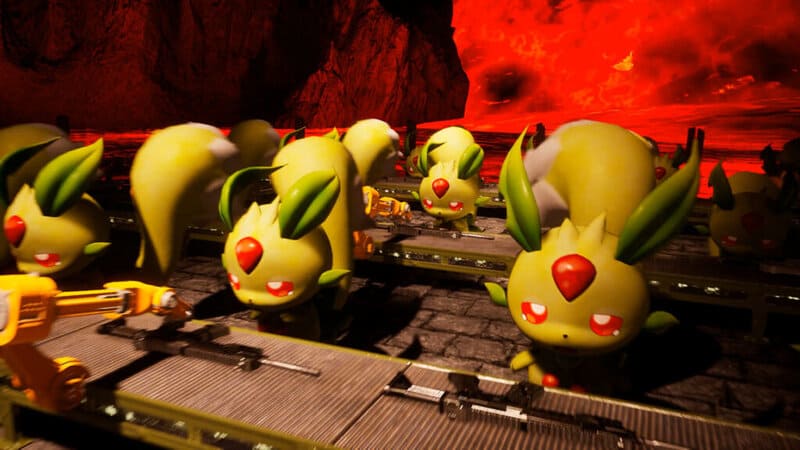
Pals can be made more efficient with the Condenser — condensing Pals improves their skills and even increases innate skills. While the Condenser is mostly used for making your Pals stronger for late-game encounters, you can also boost your Pal stats to make ones you don’t use in battle more efficient. There are four upgrades when condensing Pals.
- Upgrade 1: 4 Pals
- Upgrade 2: 16 Pals
- Upgrade 3: 32 Pals
- Upgrade 4: 64 Pals
Each enhancement requires more Pals to be condensed to get a benefit — but the benefits are recognizable even at the first or second tier. This gives you a reason to farm more Pals of the same type and collect as many as you can. Even just upgrading to Tier 2, which costs 20 Pals, is worth it for the boost in productivity. Send out all your low-level Pals to do your busy work for you while exploring the islands.