
Table of Contents[Hide][Show]
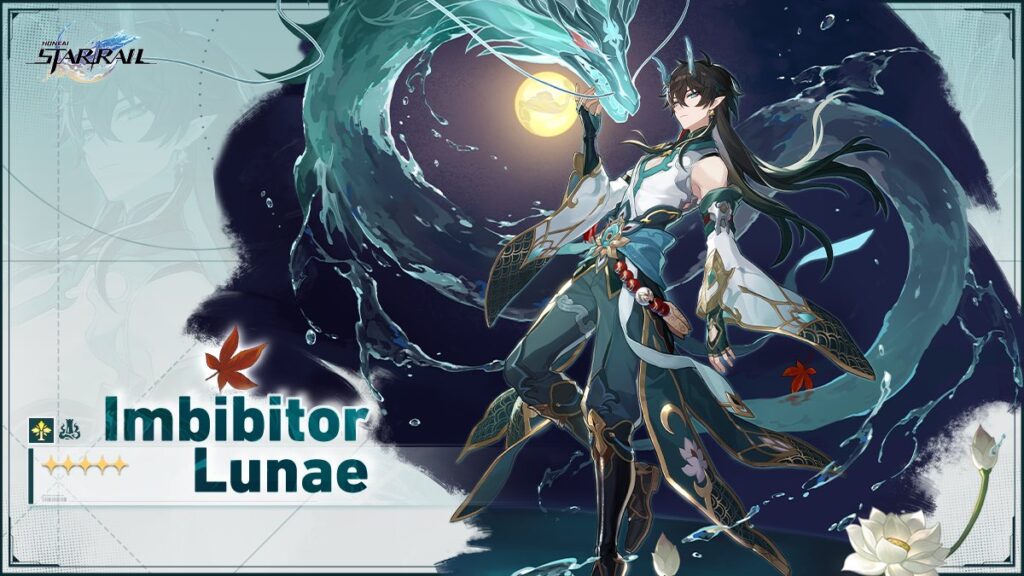
Sometimes, Honkai: Star Rail will release redemption codes outside of the version update livestreams. With the start of Version 1.3 and the start of Imbibitor Lunae’s banner, HoYoverse released a celebratory redemption code for players to claim.
Honkai: Star Rail – Ascending Trailblazer | A Genshin Impact Guide to Honkai: Star Rail | How the Honkai: Star Rail Pity System Works
In order to access your in-game mailbox and claim these rewards, you need to complete the Trailblaze Mission “The Blue” – “A Moment of Peace.” Essentially, once you name your Trailblazer, you’ll be able to start redeeming gift codes. Make sure you have a HoYoverse account linked to your Honkai: Star Rail account or you won’t be able to redeem the codes.
Neither code listed has a set end date, so make sure to redeem them as soon as possible. Codes typically don’t last long, with Livestream codes only being active for around 24 hours before expiring.
| MB6N2TVCSQ9F | 50 Stellar Jade 10,000 Credits |
| STARRAILGIFT | 50 Stellar Jade 10,000 Credits 2 Traveler’s Guides 5 Bottled Sodas |
Website Redeem
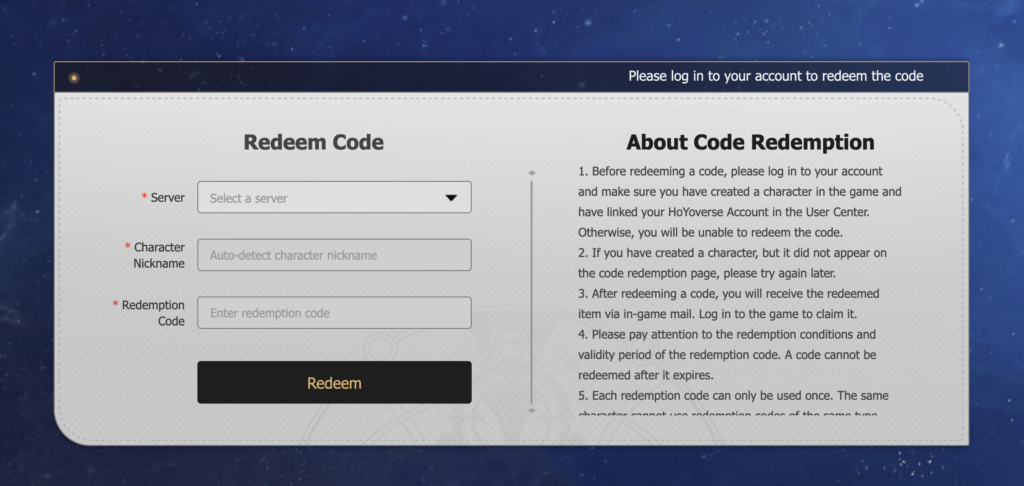
- Go to the Honkai: Star Rail gift redemption website.
- Log in to your HoYoverse account.
- Select your server – North America, Europe, or Asia. The name field should populate automatically.
- Enter the code and click redeem.
- The rewards will show up in your in-game mailbox.
In-Game Redeem
Note: As of Version 1.2, in-game redemption is not available on iOS yet. The Android and PC versions of the game will have this option.
- Open up the game!
- Go to the in-game menu – the space smartphone.
- Select the (…) next to your nickname and Equilibrium Level.
- Select the Redeem Code option beneath Trailblazer Profile.
- Enter your code(s) and redeem.
- The rewards will show up in your in-game mailbox.






