
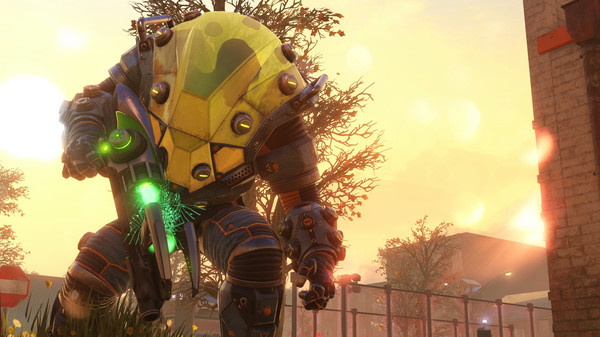
XCOM 2 was released yesterday across all territories, and brings with it the promise of a glorious strategy renaissance. But not all players are able to fully enjoy the game–a minority of players have, as with every PC title, been experiencing issues with XCOM 2.
The issues in the game range from crashes, errors, low framerate, and more.
We’ve prepared this guide to provide solutions for these issues. These fixes have been confirmed by players on reddit and the Steam forums to work, though your mileage may vary.
XCOM 2 Crashes on Startup
If your game crashes on startup, there’s a good chance your installation of XCOM 2 is corrupted. To fix this, simply go to your Library in Steam, right-click on XCOM 2 and select Local Files > Verify integrity of game cache, and let Steam redownload any files you’re missing.
XCOM 2 Crashes at the End of the Tutorial
If you’re running the game on an AMD graphics card, you may experience a crash when the game tries to play the cutscene immediately following the basic unit movements tutorial. To fix this issue, download the AMD Crimson Drivers 15.12 or newer.
Error 41
This error only occurs if you have a virus scanner running in the background. Disable Norton, Kaspersky, McAfee, or whatever antivirus software you have on your computer before running the game.
VCOMP120.DLL Crash
If your game crashes with this error, you’ll need reinstall some run-time components on your PC. Grab it directly from Microsoft and avoid any other websites. There’s a lot of malware out there.
Geoscape Crash
If your game hangs upon loading up the Geoscape interface after you complete the two tutorial missions, simply reload a combat autosave from the most recent battle and finish the mission again.
Stuttering Cutscenes and Low Framerate
You should disable Ambient Occlusion and Screen Space Reflections, and turn your Anti-Aliasing (AA) down to FXAA or off. By default, the game will set your AA to the highest settings possible, which introduces a lot of performance issues.







