
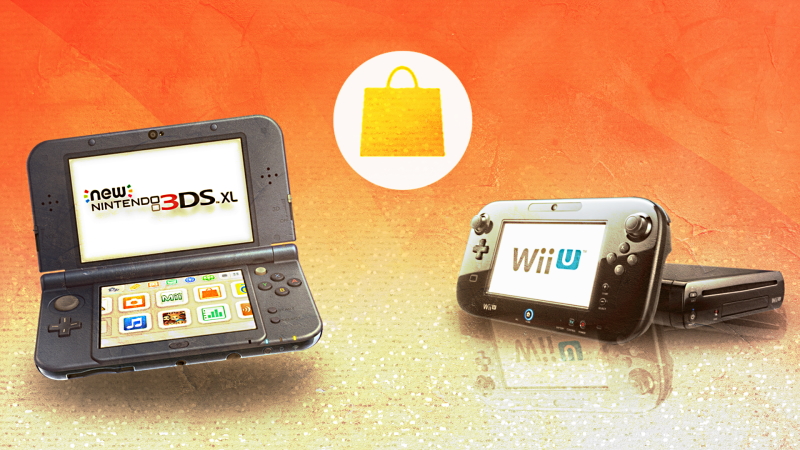
You can still make purchases on your Nintendo 3DS or WiiU. The eShop is closing on schedule, with credit cards and gift cards no longer available on the system’s digital download shop — you can still visit the shop, but you can’t add funds. If you still want to buy digital games on your Nintendo 3DS, there’s one method available to you — linking your 3DS account to your Switch account. By linking your Nintendo Accounts, you can add funds to the 3DS and still make purchases. This is your only option if you’re eager to buy any of the incredible 3DS games still available on the service.
Nintendo 3DS game prices are rapidly increasing on the secondhand market, so if you want to play Ace Attorney Vs. Layton or any other extremely expensive game, your best option is buying on the 3DS eShop for a reasonable price. The service is packed with incredible bite-sized game experiences that only cost a handful of dollars, so grab them before the service shuts down completely on March 27th, 2023. That’s the last day you’ll be able to use the service. Until then, you can still transfer funds or spend the funds you have.
How To Make Purchases On The 3DS / WiiU eShop
The 3DS eShop no longer allows adding funds with credit cards or gift cards. If you have funds already available on the 3DS eShop, you can still spend the money — and you can add funds through other methods. By linking Nintendo accounts, you’ll be able to add funds which will then appear on the 3DS eShop. We’ll explain the full process in the guide below.
For more help, this method is described fully on this GameXplain 3DS eShop video on Youtube.
- Step #1: Link Your Nintendo Account
- On your Nintendo Switch, go to User Settings -> Friend Suggestions -> Select Nintendo 3DS / WiiU Icon
- Select “Next” on either of these tabs and follow the instructions.
- Sign-in and you will link your Nintendo Network ID (3DS / WiiU Account) to your Nintendo Account (Switch)
Now that your Nintendo accounts are linked, you will share friends list and funds. You can add funds to your Nintendo Switch and these funds will appear when you check the 3DS / WiiU eShop. To do that, you need to Merge Funds.
- Step #2: How To Merge Funds
- Open the Switch eShop and go to Settings (top-right icon) to see your Available Funds.
- On the Available Funds section, select the option to Merge Funds — this will merge funds with the 3DS / WiiU eShop.
Now you can add funds to the Nintendo Switch, and the funds will appear on 3DS / WiiU. This also has the added bonus of reclaiming funds you had leftover on the 3DS / WiiU so you can spend them on the Nintendo Switch. But that’s a problem most of us aren’t going to have.





