
Discord is a nearly inescapable part of the modern gaming landscape. It’s a combination text/voice chat program that’s free to use and it takes seconds at most to set up a new server, so there’s a specific Discord out there for almost any topic you can imagine.
If you’re looking for matches in a new multiplayer game or need tips on how to play a specific character, there’s probably a Discord for it. It might be full of horrible people, but at least they’ll be horrible people who know what you’re talking about. You know, like the Internet.
With that in mind, you may be interested in installing Discord directly onto your Xbox to cut out the middle man. Sure, you can just keep your phone nearby, but why juggle multiple devices? The good news is that it’s possible; the bad news is that it isn’t obvious. Here’s how to install Discord on your Xbox Series X|S, via a third-party workaround that nobody really likes.
The Discord Workaround on Xbox Series X|S
If you simply put “Discord” into the Microsoft Store app on an Xbox, you’ll come up with a big goose egg. There’s a paid app on there for use by server admins, and a bunch of different shows and movies with the word “discord” in their titles or descriptions (including the ‘80s detective show “Spenser: For Hire,” which I assume makes sense to somebody), but Discord itself is conspicuous in its absence.
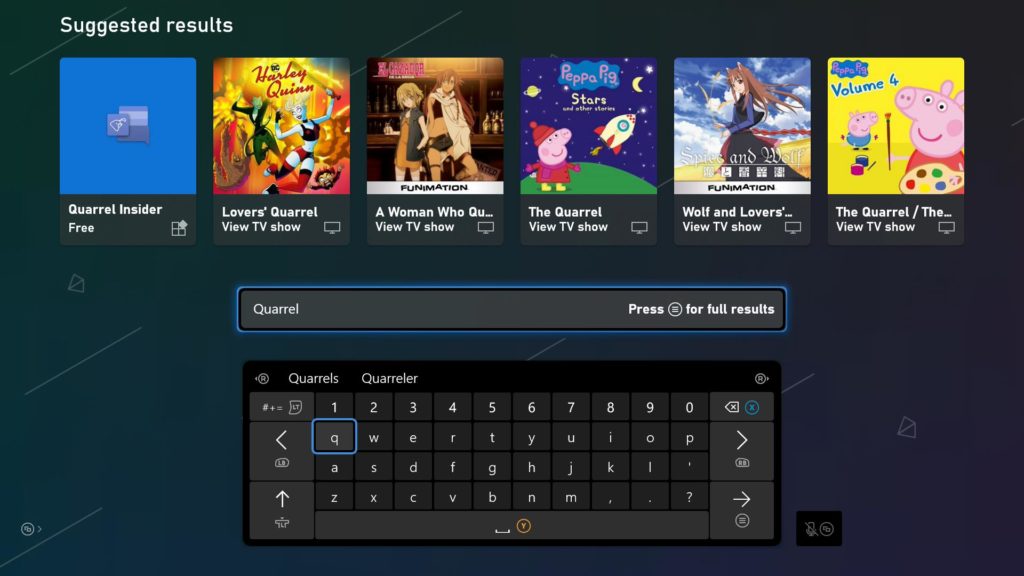
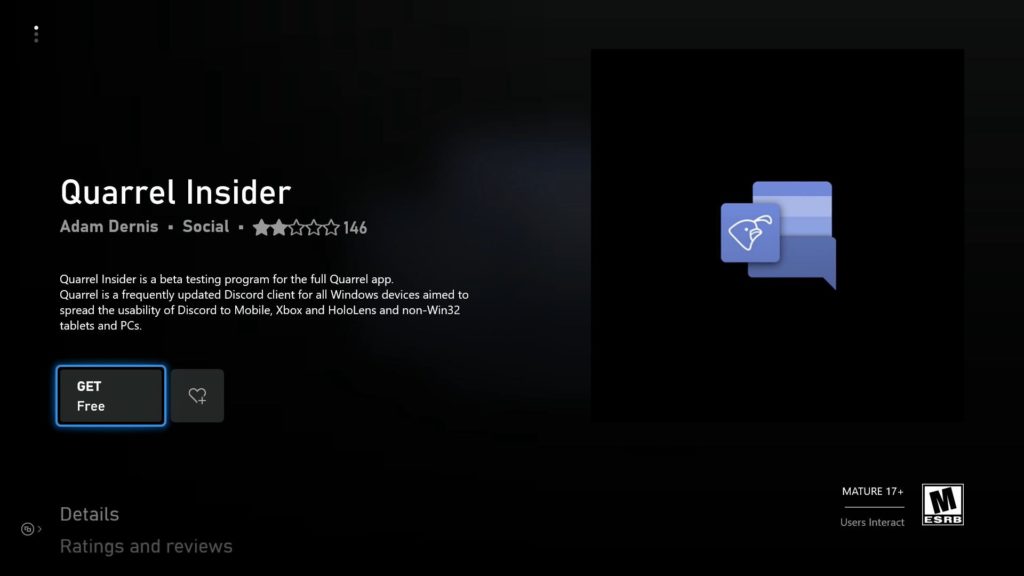
Instead, you’re looking for an app called Quarrel Insider (above, left). This is the beta version of the Quarrel client for Windows, which lets you log directly into Discord on platforms that ordinarily wouldn’t support it, including the Xbox.
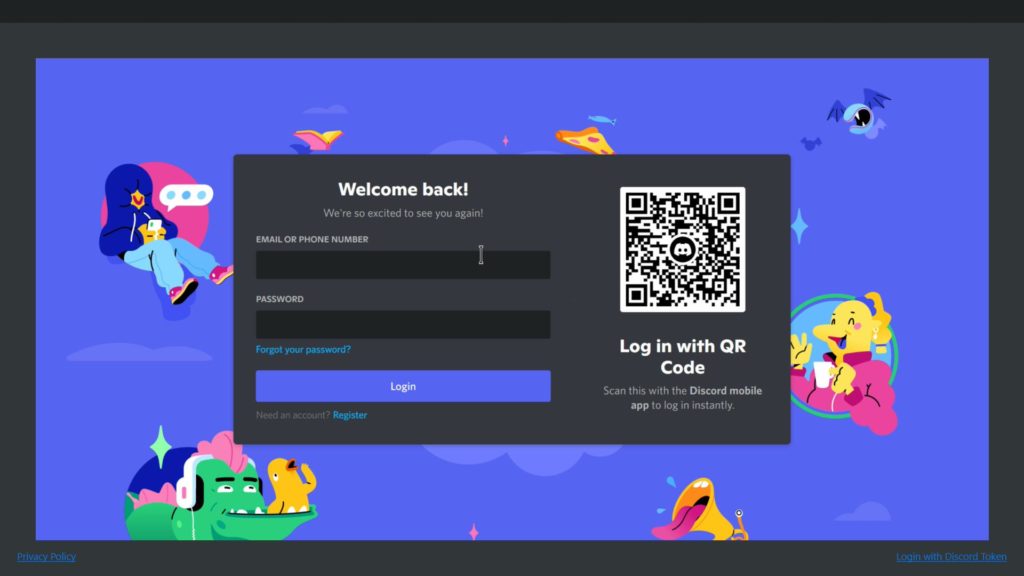
At this point, it’s a good idea to pull out a USB or Bluetooth keyboard for your Xbox. You can input your current Discord credentials into Quarrel, which is easier when you can type, and go straight into your usual Discord servers shortly afterward.
It is, to be fair, a beta app, and as such, has its share of glitches. It works well enough on the Series X, but the Series S version has a tendency to slow down or actually crash, especially when you’re trying to use the Xbox’s virtual keyboard.
Even so, this gives you the option to search for communities on Discord directly from your Xbox dashboard, with all the additional functionality of the Discord client.






