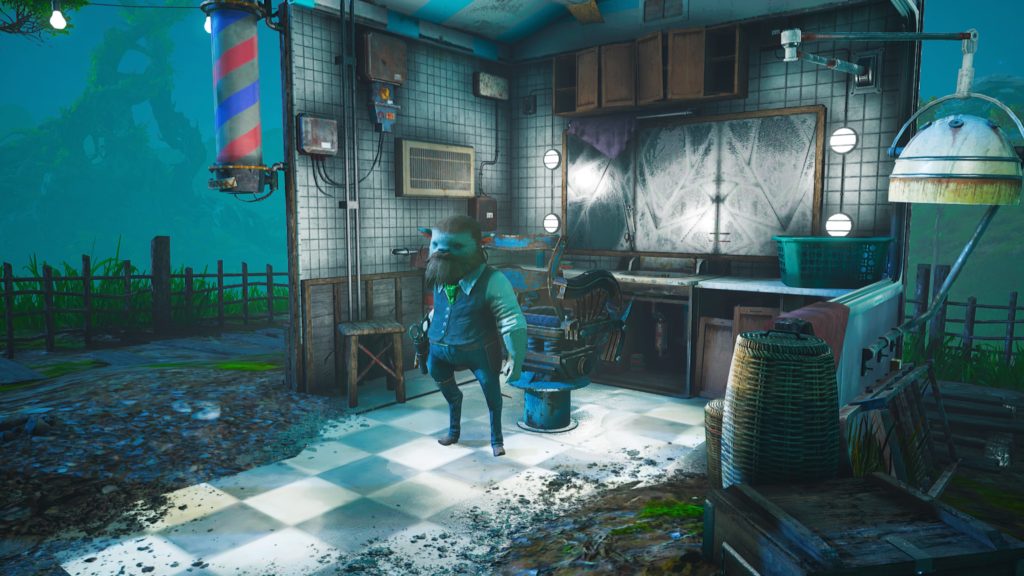
Customization is a big part of the Biomutant experience. From the beginning, you design your character from the ground up and select one of multiple classes — then it’s up to you to shape the world. The game offers you a huge amount of freedom to play however you want, with multiple different factions, each with their own goals oriented towards light or darkness. Even if you’re playing on the side of light, you can balance things your own way with some dark-sided choices — or betray your faction, or simply join another faction at any point in the game. There’s nothing stopping you from completely changing directions mid-game, and there’s no reason not to give yourself a new look whenever you want.
There are two methods for customization — sadly, we haven’t found a way to fully change everything about your character, but you can change two important things. You can alter your body size sliders, and you can alter your fur pattern and color with a hair stylist. Both can be repeated as often as you like, and they’re both ridiculously easy to miss. If you’re looking for a way to give your base character an upgrade post-character creation, this is where you need to go.
More Biomutant guides:
Best Weapon Location | Best Gun Location | Where To Get Flying Mount & Blimp | All Side-Character Locations | How Tribe War Works
How To Change Body Shape:
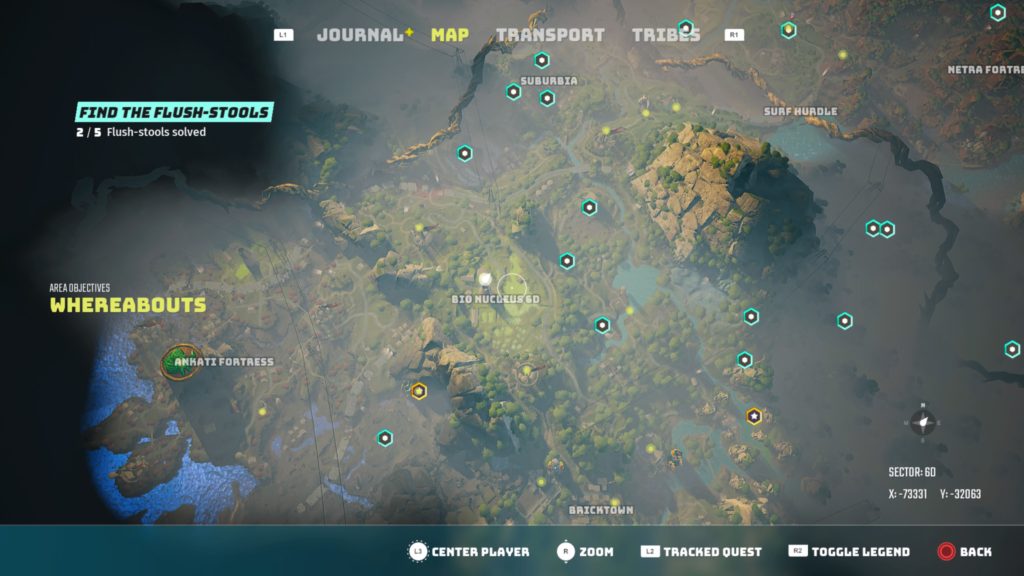
To change your body shape, go to the Bio Nucleus 6D in Sector 6D — really, most any Bio Nucleus will work, but there’s definitely one at 6D. Travel to the underground through the open vault door and find a bubbling pool of green goo with an interact icon. Interact with the pool and you’ll be able to mutate into any new body shape you want.
This costs 1 Biopoint, and you can repeat body size customization as often as you want.
How To Change Hairstyle:
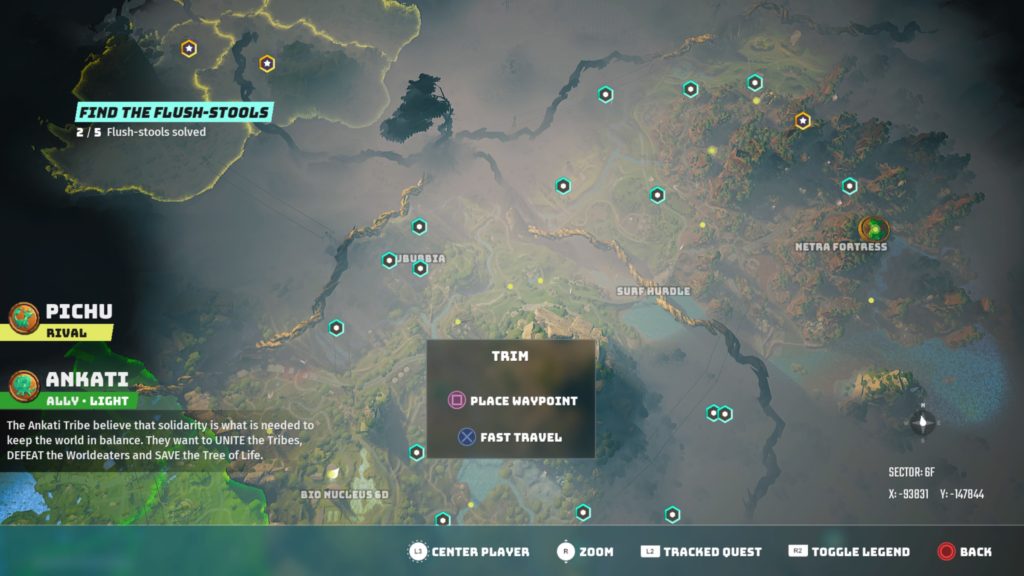
To change your fur pattern, you need to find Trim, located in Sector 6F (X-93894, Y:-147719) near Flibberdit. Talk to Trim and complete both of his side-quests. The first quest unlocks fur pattern customization, and the second quest unlocks fur color customization.
Like with body shape, this costs greenleaf but you can repeat changes as often as you want. If you want to change your style later in the game, you can always come back to Trim for another cut.